

Working from home offers flexibility and convenience, but it also comes with unique challenges. Distractions, poor posture, and an unorganized workspace can reduce productivity and make the workday more stressful. Creating a functional home office doesn’t require a complete renovation—it simply requires the right tools and setup.
Whether you’re a remote employee, freelancer, entrepreneur, or student, these 10 home office essentials can help you stay comfortable, organized, and productive every day.
1. An Ergonomic Desk
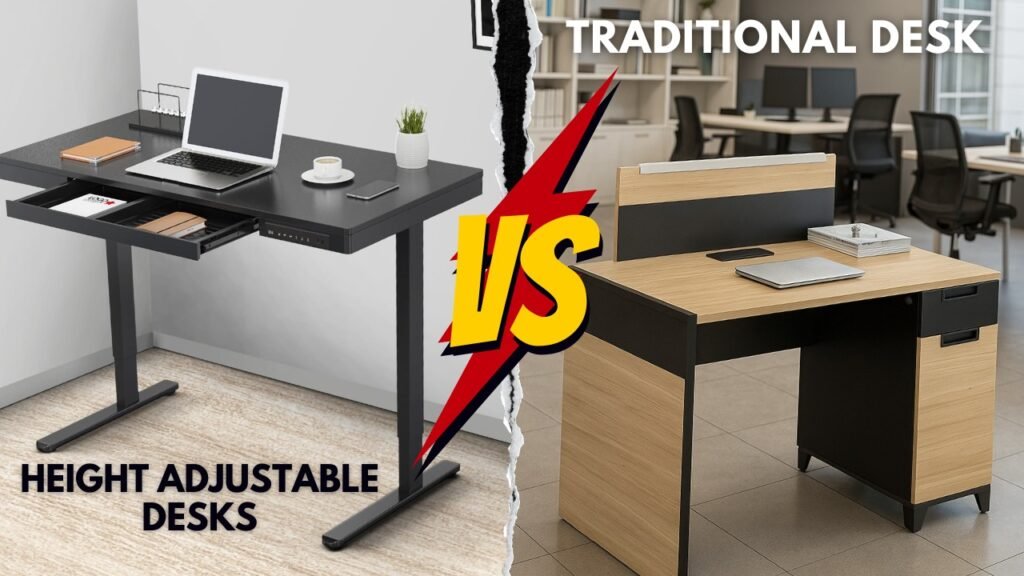
Your desk is the foundation of your workspace. Choose one that provides enough room for your laptop, monitor, keyboard, and other daily essentials without feeling cluttered.
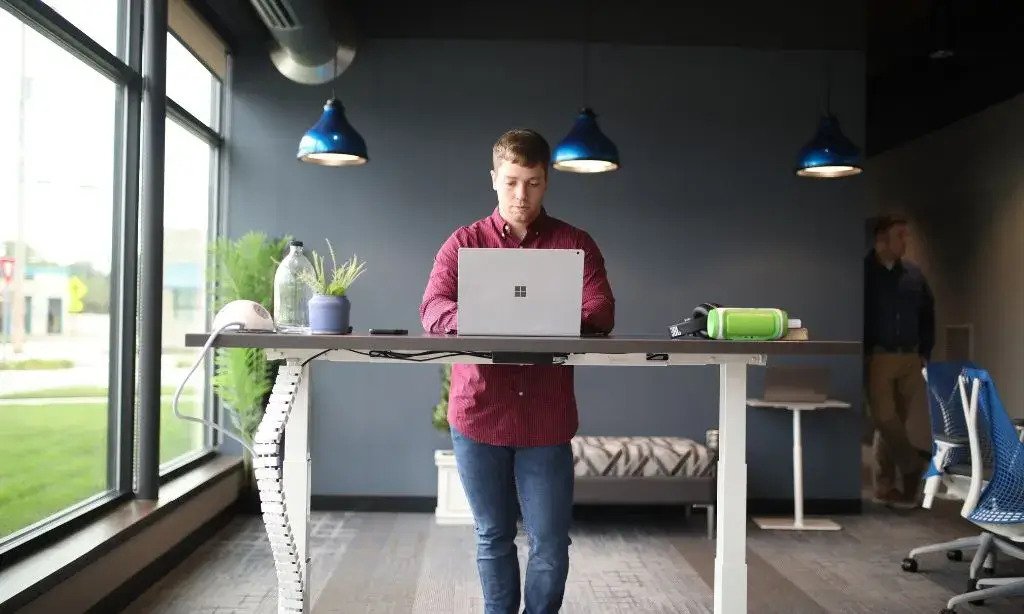
If your budget allows, consider a height-adjustable desk that lets you alternate between sitting and standing throughout the day. This flexibility can help reduce the discomfort associated with sitting for long periods.
2. A Comfortable Office Chair
A supportive office chair is one of the best investments you can make for your health and productivity.
Look for features such as adjustable height, lumbar support, padded seating, and armrests. Proper seating encourages good posture and helps reduce back, neck, and shoulder strain during long work sessions.
3. A High-Quality Monitor
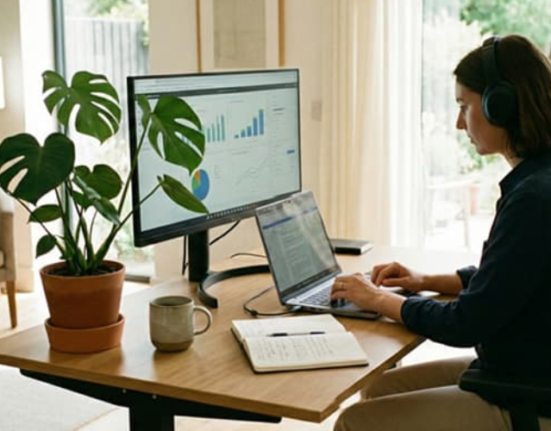
Working on a larger screen can improve efficiency by making it easier to manage multiple documents, spreadsheets, and applications at once.
If you frequently multitask, an external monitor or dual-monitor setup can reduce the need to constantly switch between windows and increase overall workflow efficiency.
4. Reliable High-Speed Internet
A stable internet connection is essential for video meetings, cloud-based collaboration, file sharing, and online research.
Slow or unreliable internet can interrupt meetings and reduce productivity. Investing in a dependable broadband connection—and positioning your router for strong coverage—can make a noticeable difference in your daily work experience.
5. Noise-Canceling Headphones
Background noise can make it difficult to concentrate, especially if you share your home with family members or roommates.
Noise-canceling headphones help block distractions during meetings and focused work sessions while also improving audio quality during virtual calls.
6. Proper Lighting
Good lighting reduces eye strain and creates a more comfortable workspace.
Natural light is ideal whenever possible, but if your workspace lacks windows, use a quality desk lamp that provides bright, even illumination without creating glare on your screen.
Position your monitor to minimize reflections and maintain comfortable viewing conditions.
7. Keyboard and Mouse
Using an external keyboard and mouse provides a more ergonomic typing position than relying solely on a laptop.
Wireless accessories help reduce cable clutter while improving comfort and productivity, particularly for people who spend many hours typing each day.
8. Cable Management Solutions
A clutter-free workspace promotes better focus and makes your office look more professional.
Cable organizers, clips, sleeves, and charging stations help keep power cords and device cables neatly arranged. A tidy desk also makes cleaning and equipment maintenance much easier.
9. Organization Tools
Keeping important documents and supplies within easy reach helps reduce distractions.

Consider adding:
- File organizers
- Notebook holders
- Pen containers
- Storage drawers
- Desktop trays
Simple organizational tools save time and create a more efficient work environment.
10. Personal Touches
A productive workspace should also feel inviting.
Adding a few personal touches—such as indoor plants, artwork, family photos, or motivational quotes—can make your office more enjoyable and boost your mood throughout the workday.
Choose decorations that inspire you without creating unnecessary clutter.
Tips for Staying Productive at Home
Along with having the right equipment, healthy work habits are equally important:
- Maintain a consistent daily schedule.
- Take short breaks every hour.
- Keep your workspace clean and organized.
- Limit distractions during focused tasks.
- Stay hydrated and stretch regularly.
Small daily habits can significantly improve both productivity and overall well-being.
Final Thoughts
A well-designed home office is about more than aesthetics—it’s about creating a space that supports focus, comfort, and efficiency. By investing in essentials such as an ergonomic desk and chair, reliable internet, quality lighting, and organizational tools, you can transform your workspace into an environment that encourages your best work.
Remember, productivity isn’t determined by the number of gadgets you own but by how effectively your workspace supports your daily routine. Start with the essentials, make improvements over time, and build a home office that helps you work smarter, stay healthier, and achieve your professional goals from the comfort of your home.





Leave feedback about this